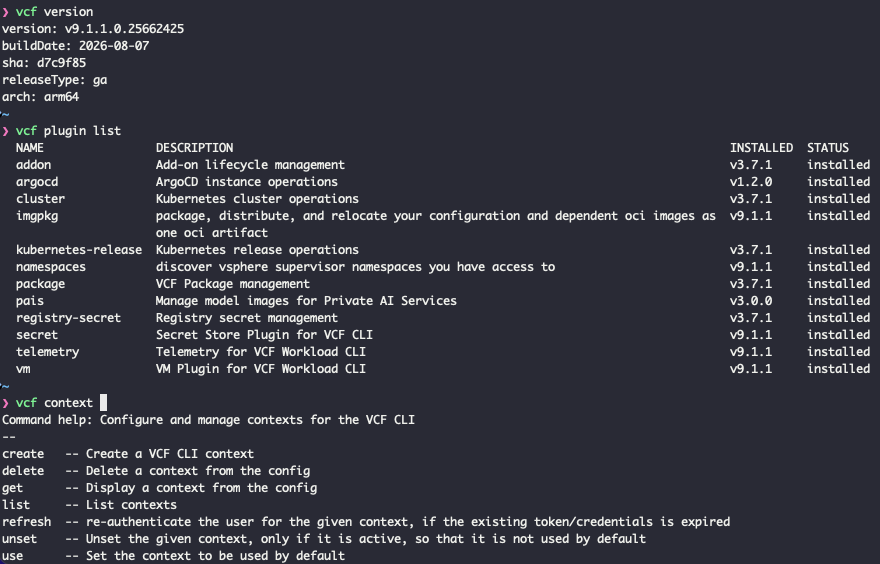
I thought I would write a quick post on the setup of the VCF tool for supervisors and VKS clusters for the new 9.1.1 version. To be fair nothing has really changed since 9.1, other than the downloads and versions.
CLI Setup
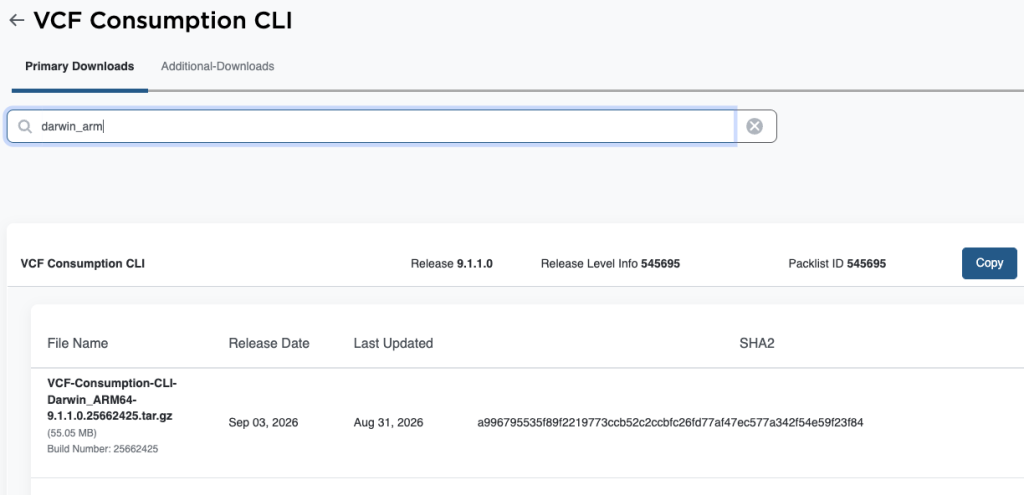
First we must manually grab the plugins from the Broadcom download page. If we head to the VCF Downloads and then go to version 9.1.1 > VCF Consumption CLI. In my case I’m now on MacOS, so need to download Darwin_ARM64. Download the flavour relevant to you.
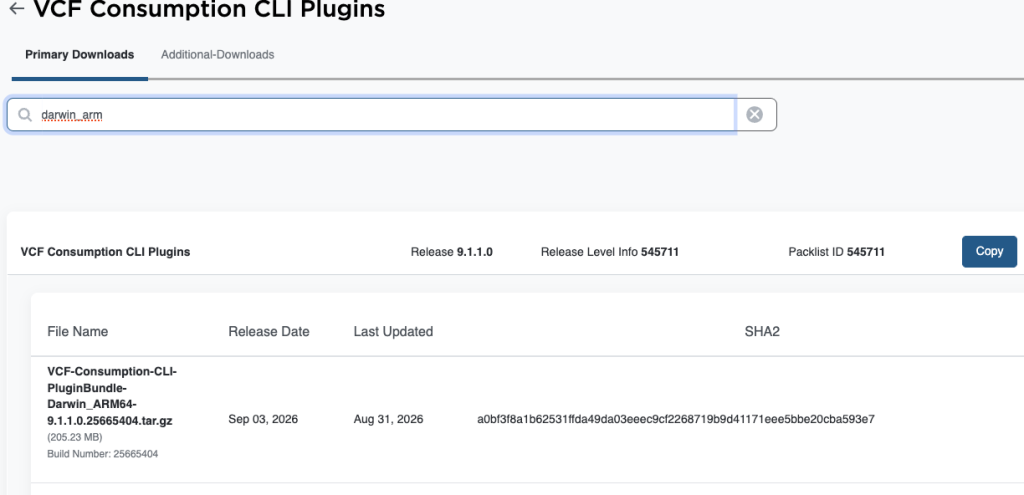
Go back to the list and also click on VCF Consumption CLI Plugins, again download the flavour relevant to yourself.
We can now run the following for easy setup.
## extract and install cli tools and tidy up
mkdir vcf-plugins
tar -xvzf VCF-Consumption-CLI-Darwin_ARM64-9.1.1.0.25662425.tar.gz
tar -xvzf VCF-Consumption-CLI-PluginBundle-Darwin_ARM64-9.1.1.0.25665404.tar.gz -C vcf-plugins
rm VCF-Consumption-CLI-*

## copy the vcf binary to somewhere included in your default $PATH
cp vcf-cli-darwin_arm64 ../Documents/utils/vcf
chmod +x ../Documents/utils/vcf

## confirm cli install
vcf version

## sort auto complete
brew install zsh-autocomplete
vcf completion zsh > $HOME/.config/vcf/completion.zsh.inc
printf "\n# VCF shell completion\nsource '$HOME/.config/vcf/completion.zsh.inc'\n" >> $HOME/.zshrc
source ~/.zshrc

## install plugins and confirm
vcf plugin install all --local-source vcf-plugins
vcf plugin list
Once complete, VCF will is setup and you’re ready to start to create contexts and connect to clusters.