
This is a quick post to inform VCF users about a repetitive issue I experience when deactivating the supervisor. I’m rebuilding things quite often to try new things, whether that is components inside VCF or the entire stack itself. When it comes to tidying up Tanzu, I keep hitting a common issue. This seems to occur with VPC networking, but may also occur with classic NSX networking.
Navigation
Symptoms
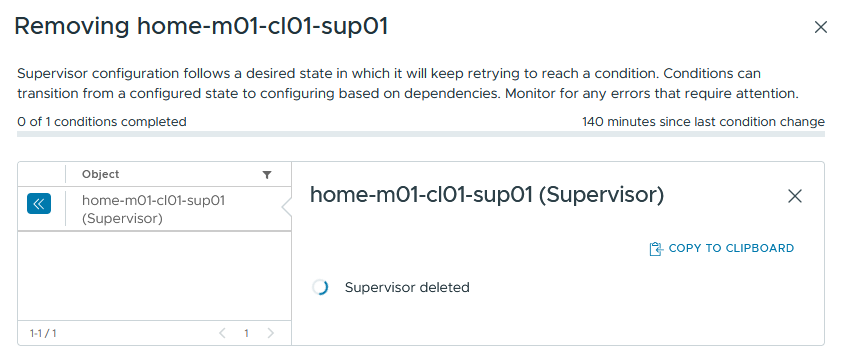
The symptoms are a spinning wheel of death for the supervisor object.
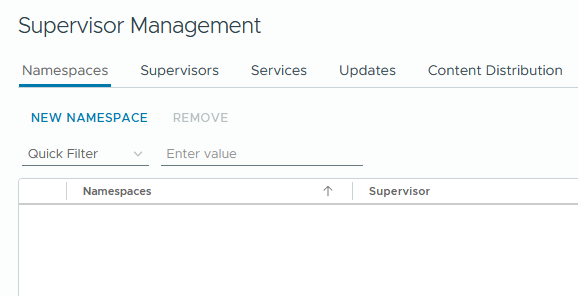
All namespaces and VKS clusters are successfully destroyed.
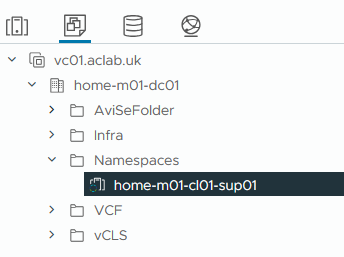
Under the VM inventory, only the supervisor object remains. All supervisor nodes are removed.
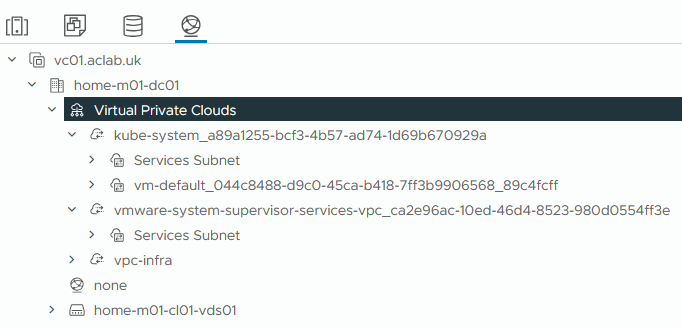
Under the network inventory, the kube-system and supervisor services VPC’s remain.
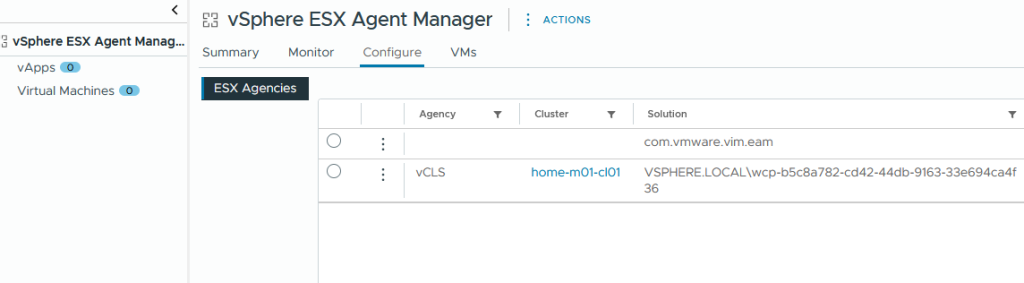
Under administration > solutions >vCenter Server Extensions> vSphere ESX Agent Manager > Configure > all supervisor ESX agencies are also correctly tidied up. This is a place you can go to clear out problematic nodes. This is detailed in Broadcom KB 90194.
If I tail /var/log/vmware/wcp/wcpsvc.log on the vCenter, we can watch it loop around. Eventually, it spits out the following error.
2026-04-24T18:12:39.605Z info wcp [cleanup/vpc.go:120] [opID=69eb97e3-39fd7336-33fe-4fb2-839e-90bbebe69cf3] Running Avi cleanup on host ‘10.166.101.27’ with user ‘nsxt-alb’ for cluster ‘domain-c10:1d9417b6-db3b-419f-91a2-0bfd186fbeed’
2026-04-24T18:12:39.610Z error wcp [cleanup/vpc.go:72] [opID=69eb97e3-39fd7336-33fe-4fb2-839e-90bbebe69cf3] Error cleaning Avi resources: cleanup failed cluster=domain-c10: error cleaning Avi resources for cluster ‘domain-c10:1d9417b6-db3b-419f-91a2-0bfd186fbeed’: avi client not initialized
2026-04-24T18:12:39.610Z error wcp [kubelifecycle/controller.go:2539] [opID=69eb97e3-39fd7336-33fe-4fb2-839e-90bbebe69cf3] Teardown of external appliance resources failed. Err: error cleaning NSX resources for Supervisor ’39fd7336-33fe-4fb2-839e-90bbebe69cf3′: failed to perform NSX cleanup for Supervisor ’39fd7336-33fe-4fb2-839e-90bbebe69cf3′: NSX cleanup failed for Supervisor ’39fd7336-33fe-4fb2-839e-90bbebe69cf3′: cleanup failed cluster=domain-c10: error cleaning Avi resources for cluster ‘domain-c10:1d9417b6-db3b-419f-91a2-0bfd186fbeed’: avi client not initialized
This squarely lands the issue with NSX, though, as the entire supervisor is now gone, it can’t be diagnosed from the point of view of pod logs, etc.
Resolution
This led me to search out a solution; Google provided me with Broadcom KB 414120. The fix is to remove the link between AVI and NSX, i.e. kill the enforcement point which SDDC manager established for us during the initial deployment.
At this point, we log into SDDC manager and go to > inventory > workload domains > select the domain > from actions remove AVI Load Balancer.
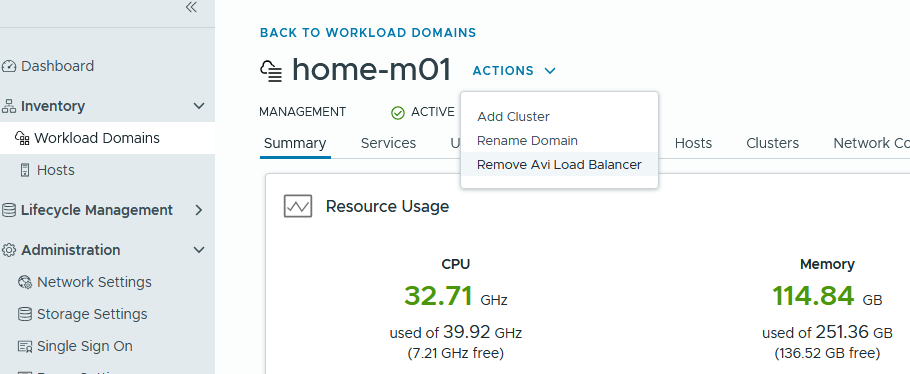
This will very quickly power off and delete the control plane node.

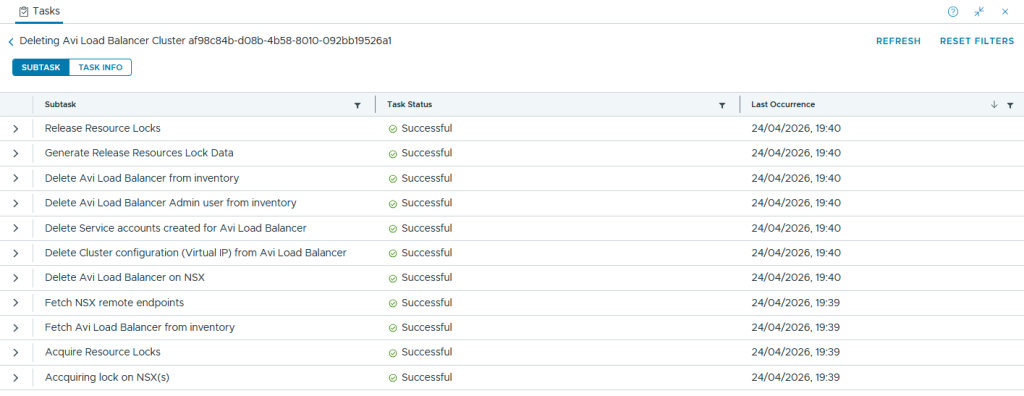
The task from SDDC manager will sort the rest.
We can then double-check that the enforcement point has gone.
read -sp "Enter your password: " password
curl -k -u admin:$password --location --request GET https://nsx01.aclab.uk/policy/api/v1/infra/sites/default/enforcement-points/alb-endpoint
From SSH on vCenter, we reboot the Workload Control Plane service.
service-control --restart wcp
Finally the loop is broken and the remaining configuration is cleared.
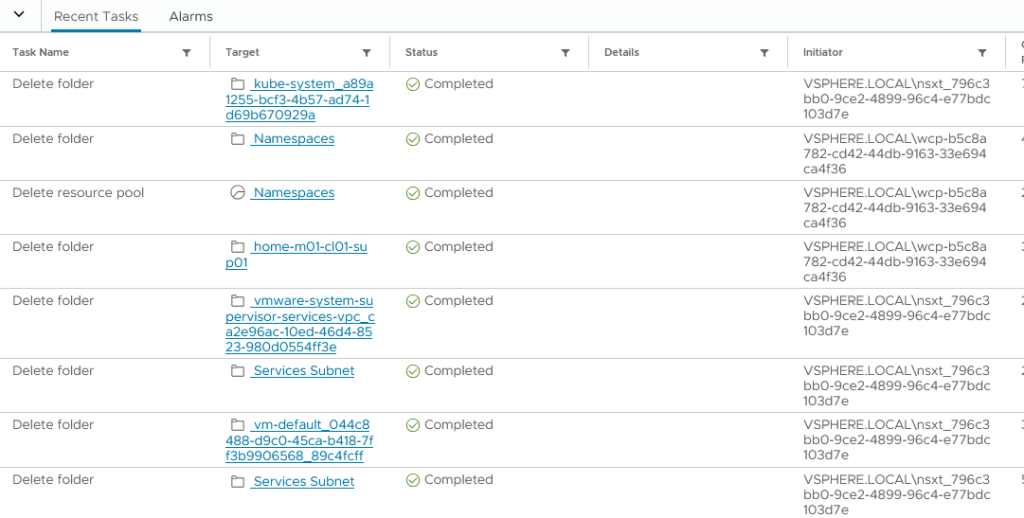
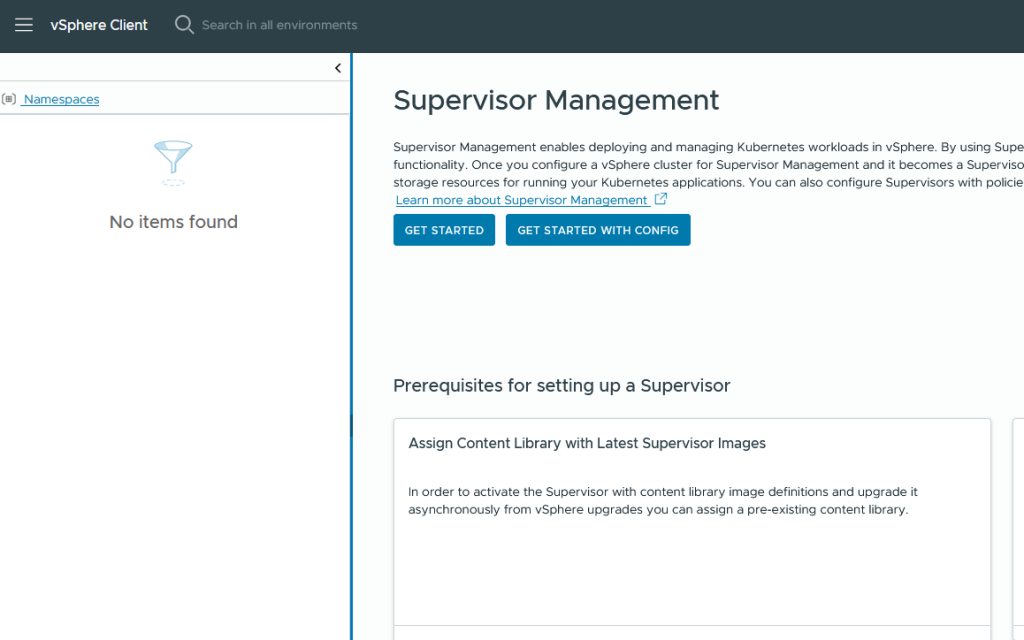
We now have a vanilla Supervisor page, ready for re-deployment.
Conclusion
This one has tripped me up twice now, despite my bookmarking KB 414120! Writing this article will hopefully help others and also commit the fix to my long-term memory.
On a final note, when re-deploying, make sure you change the content library URL Subscription URL from the default to the one outlined in Broadcom KB 433761. Without this change, upgrades will be troublesome!
https://wp-content.broadcom.com/supervisor/v1/latest/lib.json
